Why configurations need special handling
A network configuration is operational evidence. It can show authentication methods, management paths, routing relationships, interface purpose, customer names, internal addressing, and security policy. That context is exactly why a peer or vendor engineer can use it to troubleshoot. It is also why pasting the raw file into a ticket, chat, forum, or AI tool deserves a deliberate review.
The goal is not to make the configuration anonymous at any cost. The goal is to disclose the minimum information necessary for the task while retaining the relationships needed to reason about it. That is the same practical direction as the principle of least privilege: grant only the access required to accomplish the work.
OWASP's logging guidance applies well to technical artifacts: authentication passwords, access tokens, encryption keys, connection strings, and data above the recipient's authorized classification should usually be removed, masked, sanitized, hashed, or encrypted. It also calls out internal network names and addresses as information that may need special treatment.
What to review before sharing
Start with three categories. They need different treatment.
Secrets: remove or replace every time
- Passwords, password hashes, and enable secrets
- SNMP communities and SNMPv3 authentication or privacy material
- RADIUS and TACACS+ shared keys
- VPN pre-shared keys, API tokens, private keys, and enrollment tokens
- Cloud, monitoring, webhook, and automation credentials
Treat a hashed or encrypted-looking value as sensitive unless your policy says otherwise. A value does not become appropriate for broad disclosure merely because it is not plaintext.
Identifiers: replace when the recipient does not need the real value
- Public and private IP addresses, subnets, and loopbacks
- Hostnames, domain names, usernames, email addresses, and phone numbers
- Customer names, circuit IDs, account numbers, site codes, and ticket numbers
- MAC addresses, serial numbers, asset tags, and certificate subjects
Internal addresses are not credentials, but they can reveal topology and naming conventions. OWASP explicitly identifies internal network names and addresses as values that may require special handling. Decide based on the recipient and the purpose of the handoff.
Structure: preserve it when it explains behavior
Command order, indentation, object references, VLAN relationships, route policy,
interface hierarchy, and repeated identifiers often explain the fault. Preserve
them. A stable placeholder such as [MGMT_IPV4_1] is usually more useful
than deleting the line or replacing each occurrence with a different random value.
A repeatable six-step workflow
- Make a working copy. Never edit the only source of operational evidence. Keep the original under its existing access controls and perform disclosure review on a separate copy.
- Define the destination and purpose. A teammate with approved access, vendor TAC under contract, a public forum, and a hosted AI service are different disclosure contexts. Write down what the recipient actually needs to answer.
- Remove terminal noise without changing semantics. Strip prompts, pagination markers, control characters, and duplicated command echoes only when they are not part of the evidence. Do not reformat command hierarchy into a shape the device never produced.
- Identify and classify sensitive values. Search for known secret-bearing commands, then review addresses, labels, account details, and free-form descriptions. Pattern matching helps, but vendor syntax and business context still require an operator.
-
Use stable, typed replacements.
Replace the same source value with the same placeholder throughout the artifact.
The label should explain the type without revealing the value:
[TACACS_KEY],[SITE_A_WAN_IPV4], or[CUSTOMER_NAME_1]. - Review the output from the recipient's perspective. Search again for secret-bearing keywords, scan descriptions and comments, verify that relationships still make sense, and confirm that the artifact contains only what is needed for the stated purpose.
A redaction example that keeps troubleshooting value
The following synthetic configuration contains no production data.
Before review
hostname den-edge-01
username fieldops secret 9 $example-hash
tacacs server TAC1
 address ipv4 10.40.8.12
 key 7 example-shared-key
interface GigabitEthernet0/0
 description ACME-18472 WAN
 ip address 198.51.100.14 255.255.255.252
Reviewed handoff
hostname [HOSTNAME_1]
username [USERNAME_1] secret 9 [PASSWORD_HASH_1]
tacacs server TAC1
 address ipv4 [TACACS_IPV4_1]
 key 7 [TACACS_KEY]
interface GigabitEthernet0/0
 description [CUSTOMER_1] [CIRCUIT_ID_1] WAN
 ip address [WAN_IPV4_1] 255.255.255.252
The reviewed version retains the authentication method, server relationship, interface, mask, and role of the WAN link. It removes the values the recipient does not need. Because replacements are typed and consistent, an engineer can still discuss how the objects relate.
Common mistakes
- Deleting every sensitive line
- The absence of an authentication or policy line can create a false picture of the device.
- Replacing repeated values inconsistently
- Different placeholders hide the relationships needed to trace a route, peer, or policy.
- Assuming private addresses are harmless
- They can reveal topology, segmentation, management paths, and naming patterns.
- Trusting one detector as a guarantee
- Business context, proprietary labels, and unusual vendor syntax can evade pattern-based tools.
- Editing directly in the destination
- A ticket or chat draft may autosave before the review is complete.
Handoff checklist
- The recipient and troubleshooting purpose are defined.
- All credentials, keys, tokens, and password material are replaced.
- Unnecessary customer, user, asset, and topology identifiers are replaced.
- Repeated values use consistent placeholders.
- Command order and hierarchy still reflect the source.
- The final text was reviewed outside the destination system.
- The sharing method and recipient are approved for the remaining information.

Free local-first utility
Use NetPaste as the review workbench
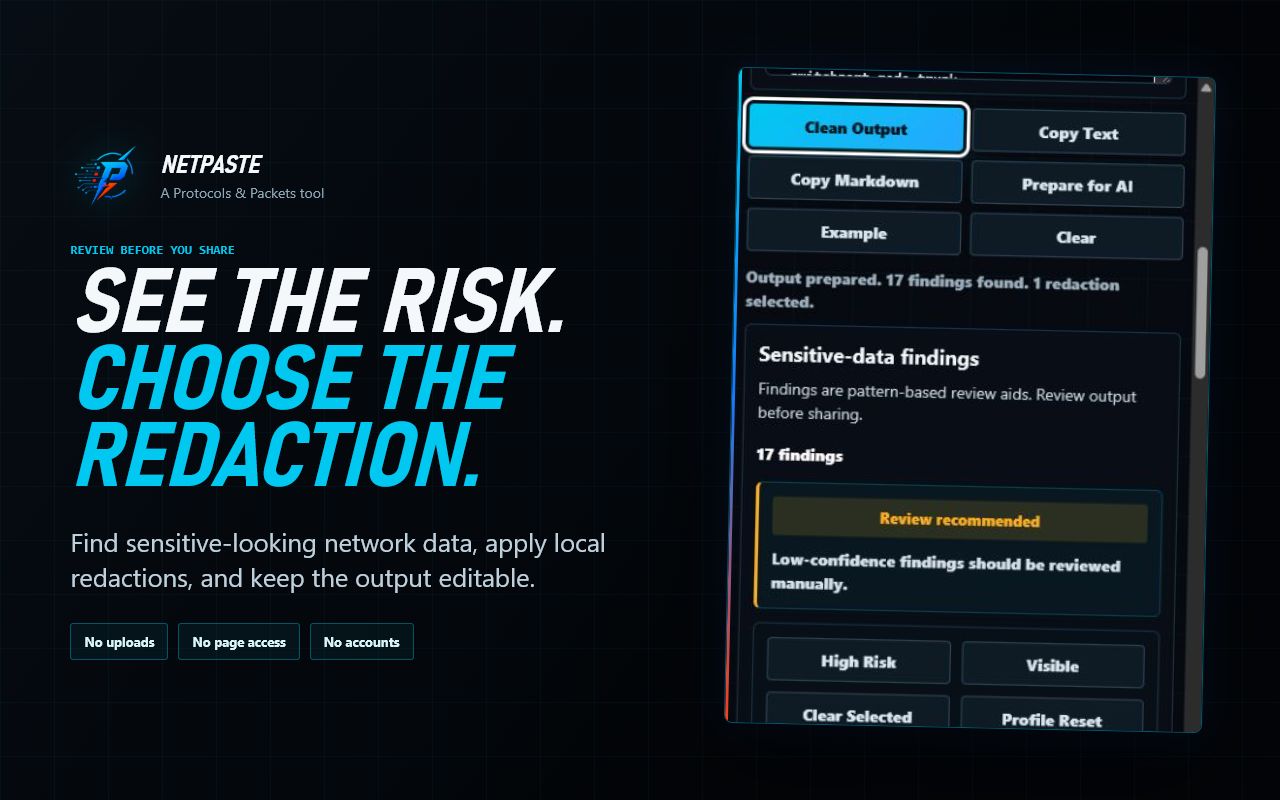
NetPaste cleans pasted network text and highlights sensitive-looking values in your browser. You choose which findings to redact, can edit the result, and review the final artifact before copying it into your existing workflow. Detection does not replace your disclosure policy or final review.